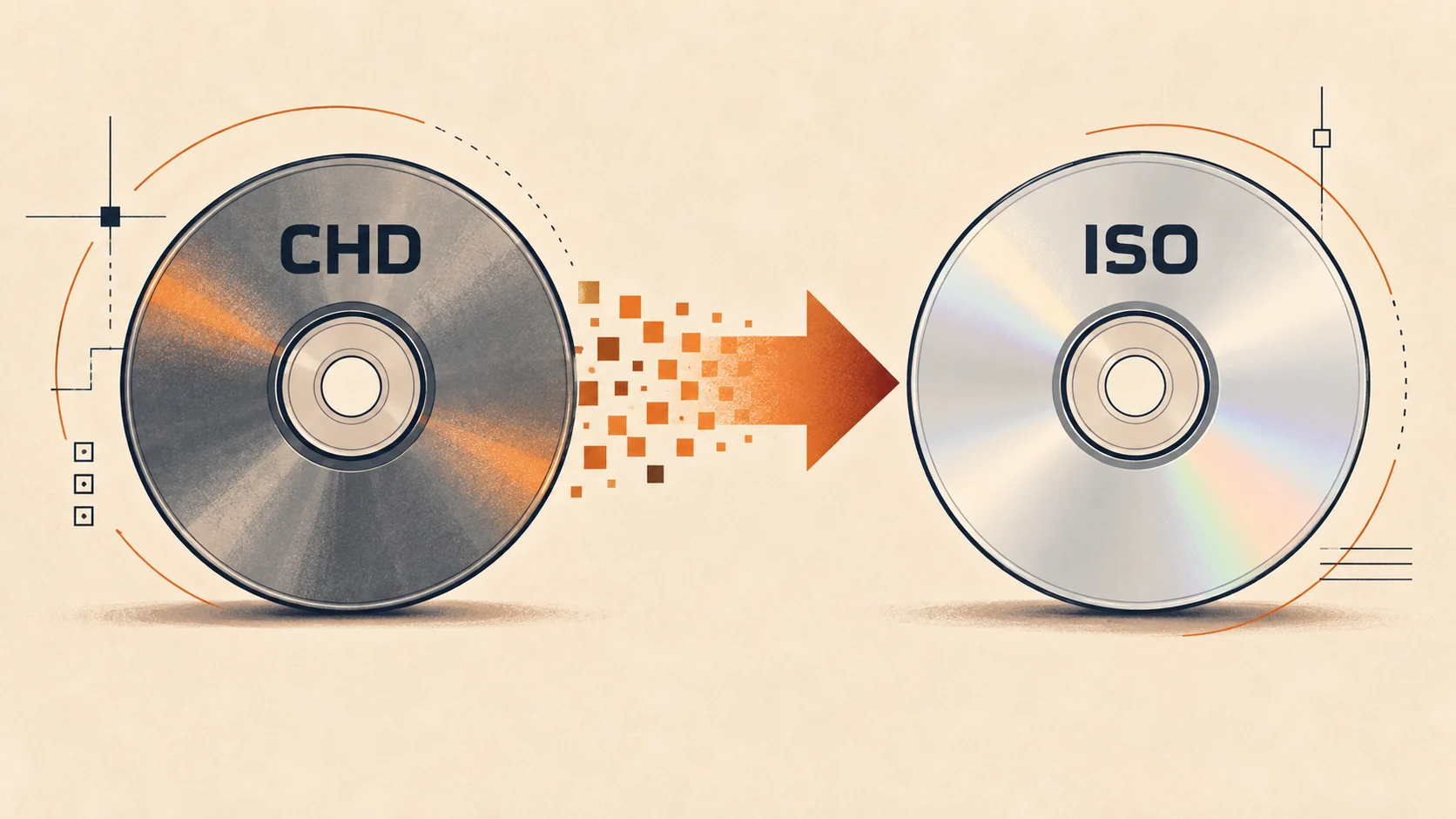
RVZ to ISO on Android: Online Conversion Guide
Convert RVZ to ISO on Android in your browser without installing Dolphin. Follow the upload, conversion, download, storage, and troubleshooting steps.
You can convert RVZ to ISO on Android directly in your browser with our online RVZ to ISO converter. Select the RVZ from your phone, tablet, SD card, or attached storage, upload it, wait for the isolated conversion job, and download the ISO. You do not need to install Dolphin or run a desktop command, but you do need enough local space for the larger ISO output.
Convert RVZ to ISO on Android online
Open the RVZ to ISO converter in a current Android browser and make sure RVZ → ISO is the active format. Tap Choose RVZ file, select one .rvz file, and review the filename and size before starting. The converter accepts one RVZ up to 10 GB and uploads it in 64 MB parts, which is more reliable for a large mobile upload than sending the whole image as one request.
Keep the conversion page available while the upload is in progress. Once every part reaches the server, the job moves from the upload stage into the queue and then into conversion. The actual RVZ restoration runs in an isolated server container, so Android does not have to decompress or rebuild the disc image on the phone's processor.
When the job finishes, the page shows the exact result and unlock options before download. The output is private and tied to the job access token stored by this browser. Download the ISO within the displayed window; a ready result expires automatically after 3 hours, while an unfinished upload has a 24-hour expiry.
Check storage before you begin
An RVZ is compressed, while ISO is the full disc image, so the downloaded file will normally be much larger than the upload. Dolphin's official ripping guide states that a complete GameCube ISO is 1.36 GiB. It lists approximately 4.38 GiB for a single-layer Wii ISO and 7.93 GiB for a dual-layer Wii ISO.
Those are output expectations, not fixed RVZ sizes. RVZ compression depends on the game data and the amount of efficiently encoded padding, so two similarly sized RVZ files can expand by different amounts. Before uploading, leave room for the final ISO plus temporary space your browser or Android download manager may use.
Internal phone storage is usually the least complicated destination. If you choose a microSD card or USB drive, check both its free space and file system. FAT32 cannot hold a single file larger than 4 GiB, so many Wii ISO outputs will fail to save there even when the drive reports enough total free capacity.
Why the browser workflow fits Android
The product workflow moves the format conversion away from the phone. Android only selects, uploads, and downloads the files; our server-side pipeline uses Dolphin tooling to restore the RVZ to ISO. This is useful on a phone where installing a separate emulator solely for conversion, finding the conversion menu, and keeping two large local images can be inconvenient.
The multipart upload also gives large RVZ files smaller transfer units. A brief failure can be retried at the affected request level instead of representing one single multi-gigabyte HTTP request. It does not remove the need for a stable connection, so use dependable Wi-Fi and avoid changing networks during the upload when possible.
Privacy is based on a private job token rather than a public file URL. API responses are marked private and non-cacheable, conversion runs in an isolated container, and stored input and output objects are removed after their retention window. Do not share a job URL containing its token, because possession of that token grants access to the result until it expires.
Android upload settings that prevent interruptions
Connect the phone to power for a large job and disable battery-saving restrictions for the browser during the upload. Android vendors handle background tabs differently, and a browser that is suspended cannot continue sending file parts. Keeping the tab in the foreground is the safest choice until the page says the upload has completed and conversion has started.
Use Wi-Fi that does not require a captive-portal sign-in to renew mid-upload. If the connection changes from Wi-Fi to cellular, wait for the current request to settle instead of repeatedly refreshing the page. The converter retains job credentials in that browser for the result flow, but a file upload that never reached completion may still need to be started again.
Do not rename a ZIP, 7Z, RAR, WBFS, or NKit file to .rvz. The upload accepts the filename extension, but the conversion engine still inspects and processes the actual disc-image data. RVZ is a specialized Dolphin disc-image container, not a normal archive that Android's file manager can unpack into an ISO.
Download and use the ISO safely
Choose a download destination that can store one complete ISO. For a GameCube image, 1.36 GiB is below FAT32's single-file ceiling. A standard Wii image is commonly above that ceiling, so use internal storage or an exFAT/NTFS-capable external destination supported by your Android device and downstream workflow.
Do not delete the RVZ immediately after the download notification appears. First confirm that the ISO has the expected size and can be opened by the intended tool or copied to the intended storage. For preservation-sensitive use, verify the image with a known hash or Dolphin's integrity tools on a supported system before removing the smaller source.
Dolphin itself can play valid RVZ files directly, so conversion is not required merely to run an RVZ in Dolphin. Convert when another emulator, patcher, mod workflow, or real-hardware loader specifically needs ISO. This distinction prevents an unnecessary multi-gigabyte download when RVZ already works for the user's actual goal.
Fix common Android conversion problems
If the file picker does not show the RVZ, move it from an app-private download folder into Android's normal Downloads or Documents location and try again. Confirm that the visible name ends in .rvz and that it is one file, not an RVZ still wrapped inside another archive. The converter supports a single RVZ input per job.
If the page rejects the file before upload, check that its size is between one byte and 10 GB. A file above 10 GB is outside the product limit and is also unusual for a normal single GameCube or Wii RVZ. A zero-byte file or a partial download cannot produce a valid ISO and should be replaced with a complete dump from media you are authorized to use.
If upload progress stops, keep the tab open, reconnect to the same stable network, and retry the job if the page reports an error. If the upload completes but conversion fails, the likely causes include an incomplete or damaged RVZ, a file with the wrong extension, or unsupported source data. Repeating the same corrupted input will not repair it; verify the source rather than relying on conversion as a repair tool.
If the ISO downloads but Android cannot save it, storage is the first thing to check. Compare free capacity with the official full-disc sizes and verify that an external card is not FAT32 for a Wii-sized output. Then return to the private result before its 24-hour download window ends, or run a new conversion if the job has already expired.
Use the result only for an authorized dump
Our converter changes the container format; it does not provide games or bypass ownership requirements. Dolphin's official FAQ recommends buying games and dumping them yourself rather than downloading commercial game images. Only upload an RVZ you own or are otherwise authorized to process.
The fastest path is therefore simple: confirm storage, open the online converter, upload the RVZ from Android, and download the private ISO before expiry. If the target application already supports RVZ, keep the smaller file instead. If it explicitly requires ISO, the browser workflow creates that compatibility copy without installing a local conversion tool.